For your team and clients
The AI governance & workspace.
Your engineers, your contractors, and their AI agents work the same projects and sit in the same system of record. Every person holds a role. Every agent holds an owner, and reaches no further than that owner allowed.
Built by TEKIMAX, and used on the client software we deliver.


Your policies are validated.
The playbook is what this project has to satisfy. It is checked before the work starts, so a rule nothing could ever satisfy is caught then rather than found at the end, and it exports in the format your own tools read.
A person defines the work.
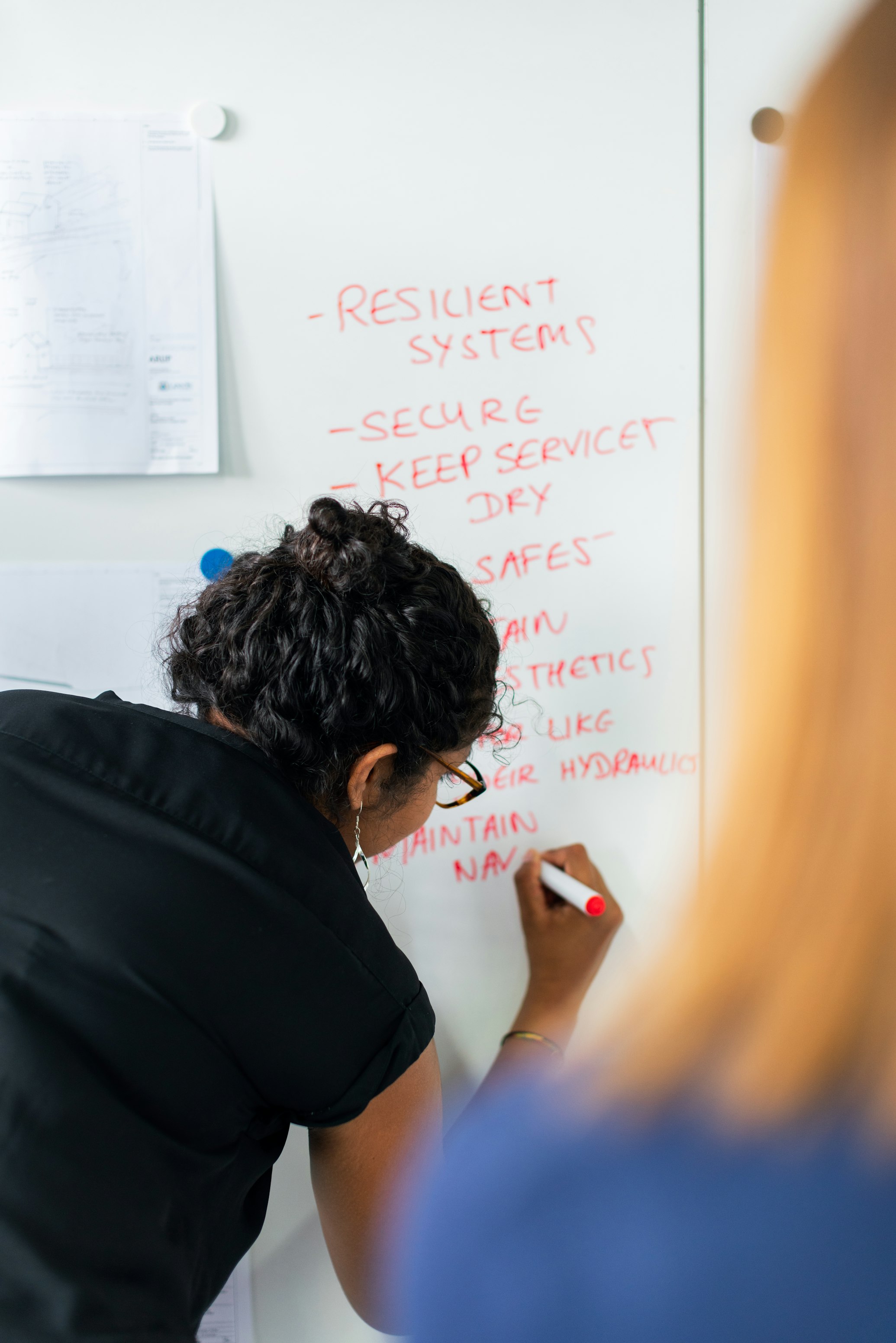
The expert sets the scope and the AI agent follows it, never its own. Its reach is that person's, no wider than the task, and every action records both.
Connects to the tools the work already lives in
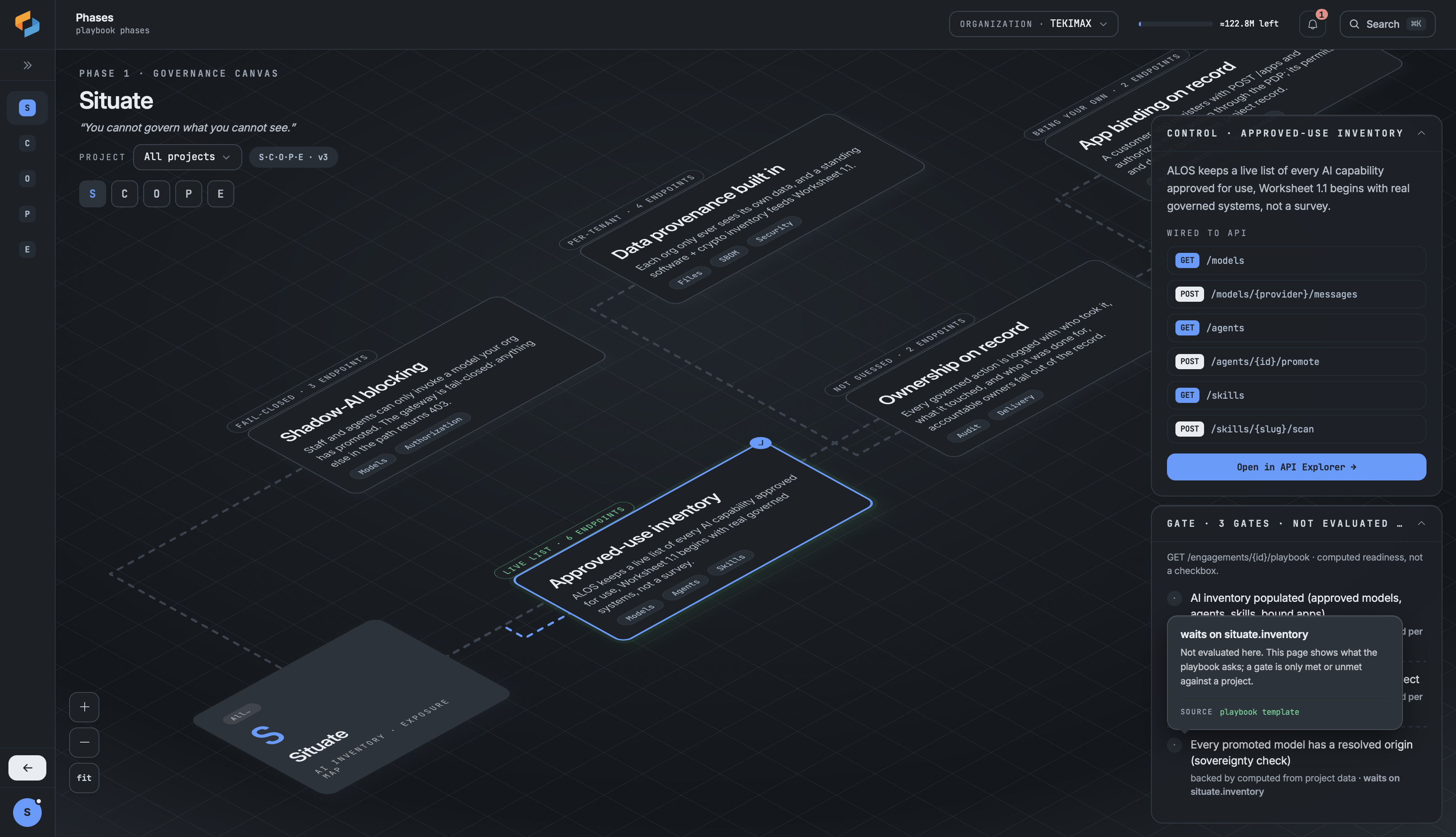
Promoting a model is one decision, made once in Studio. Every call after it, from a terminal or from an agent, is counted against it.

An agent runs on somebody’s authority and never reaches further than they do. Both names go on the record beside the work.
An AI agent past its limits is refused on the call. What cannot be undone stops before it runs, with the reason beside it.
How it works
From a project to a handoff
The work happens inside a project. Four steps run in order on every one. Each one names who is acting, and every check is made against your rules at the moment it happens.
The project sets the rules
Before any work starts, you decide three things: the playbook the work will be judged against, who is on the project, and what their AI agents are allowed to reach. A rule nothing could ever satisfy is refused when the playbook is written, not discovered later.
You approve the tools
Models, skills and packages are promoted for your organization, and promoting one takes a named person. A model nobody promoted is refused at the moment it is called. A new account stays locked until somebody promotes the first one.
Every agent belongs to a person
An agent is assigned to a person and can reach nothing that person cannot. As it works, what it does is written down as it happens, under the name of whoever made it. A document edit carries that name down to the character, and a code change carries it on the proposal and the approval. Anything permanent stops. Most of it waits for a named person to approve it, and their reason is kept beside the work. The rest only a signed-in person can run.
The client takes ownership
They have been watching in their portal since you opened it. At handoff the project becomes theirs, you hand over the signed record of what was delivered, the bill moves to them, and your access ends because the rows are no longer yours.
The controls
AI handles high-volume tasks within your guardrails
AI at work should let people get more done. That holds only while somebody answers for every action an AI agent takes, and every model it calls comes off a list you keep.
- CollaborationDual attribution
Every action records the AI agent that ran it and the human it serves, on one line. Credit and accountability are settled as it happens, never inferred later.
 GovernanceNo exceptions
Deploying and publishing wait for a named human on your side. Reversible work never waits, and the decision and its reason are kept beside the action.
 AugmentationMore done
An AI agent can keep more work in flight than one person's capacity, and each piece stays tied to a single human owner.
ALOS brings the work together: humans, agents and workflows in one workspace.
humans

agents
Everything reversible in this run already finished. This is the only step that waited.
workflows
Integrations
Works with the tools your team already uses
How the governing happens
Three parts, in the order they act

Who it acts for
Nothing can be held to a rule until there is someone to hold it to. This is where an AI agent gets a person, and a reach that is no wider than theirs.

Anything not on the list has to be asked for. It is checked when it is used, not promised in a policy.
What it is held to
The playbook says what this piece of work has to satisfy, and it is fixed when the project adopts it. The allowed lists say which models may run and which packages may ship.

An AI agent past its limits is refused on the call. What cannot be undone stops before it runs, with the reason beside it.
What gets turned back
Limits are worth having only if something turns work back. This is the part that does it while the work is happening, and hands what it stops to an approver by name, or refuses it outright.
What you can point at
Every AI agent has an owner
Every AI agent gets a login of its own and belongs to somebody. It acts for them, never as them, and it can never do more than they can.
- Never a shared key, never a borrowed login, and it never sees a password
- It can only do what its owner may do, and what they approved it to do
- Take somebody off a project and their AI agent loses it too

Anything irreversible stops
Each step’s kind is decided in advance, from a written list. Reversible work runs. Work that cannot be undone stops: most of it goes to a named human, and the rest only a signed-in person can run.
- Deploying, publishing and sending to a client all wait
- The approval sits beside the work it approved
- A refusal is recorded as carefully as a yes

Everything reversible in this run already finished. This is the only step that waited.
One record, written as the work happens
The record is the product, not a report generated afterward. It is written as the work happens and sealed as it lands.
- Who changed what, when, and under whose authority
- A later edit to the record would show
- Your tasks, reports and connected tools all read the same record

Every line is assigned to whoever acted, and names the human whose authority they used.
Where to start
One platform, two ways in
The mechanism is the same on both sides. What changes is the work it is pointed at, and who signs for it.
 StudioSoftware companies, and the forward-deployed engineers and contractors who deliver for them.Agent runsAgent securityApproved modelsScans and approved packagesCommand lineOpen
 Customer portalThe client paying for the work, and the people they answer to.Client portalApprovalsAudit trail and evidenceOpen
From the newsroom
What we published lately
 Security · standardsThe OWASP LLM Top 10 for 2026.For the first time the list is checked against real incidents, not only expert opinion. The order moved, one risk was renamed, and the guidance underneath is the thing we build for: assume the model gets fooled, and make sure nothing important breaks when it does.Read it
 WorkforceBuilding the next generation of AI talent.TEKIMAX runs a Department of Labor Registered Apprenticeship: paid career pathways in AI and cybersecurity, and no four-year degree required.Read it
 Governance · standardsThe NIST AI RMF, at any size.The common language of AI risk in the United States, and the reason your customers are suddenly asking about it. Why a ten-person company needs it as much as a global enterprise, and what it will not do for you.Read it
Talk to us
Tell us what you are building
Say what you are building and who asks you about it. A person reads it and writes back. No demo you have to sit through before anybody answers a question.
Would rather write your own email? [email protected]

The AI governance & workspace.
Tell us what you are building and who asks you about it. We will show you the record it would leave behind.